Native macOS
HarkHold a key. Talk. Done.
Dictation built for the terminal rather than retrofitted onto it. Hold a key, say what you mean, and the words land at your cursor. Hark has no window on purpose; this is the whole interface.
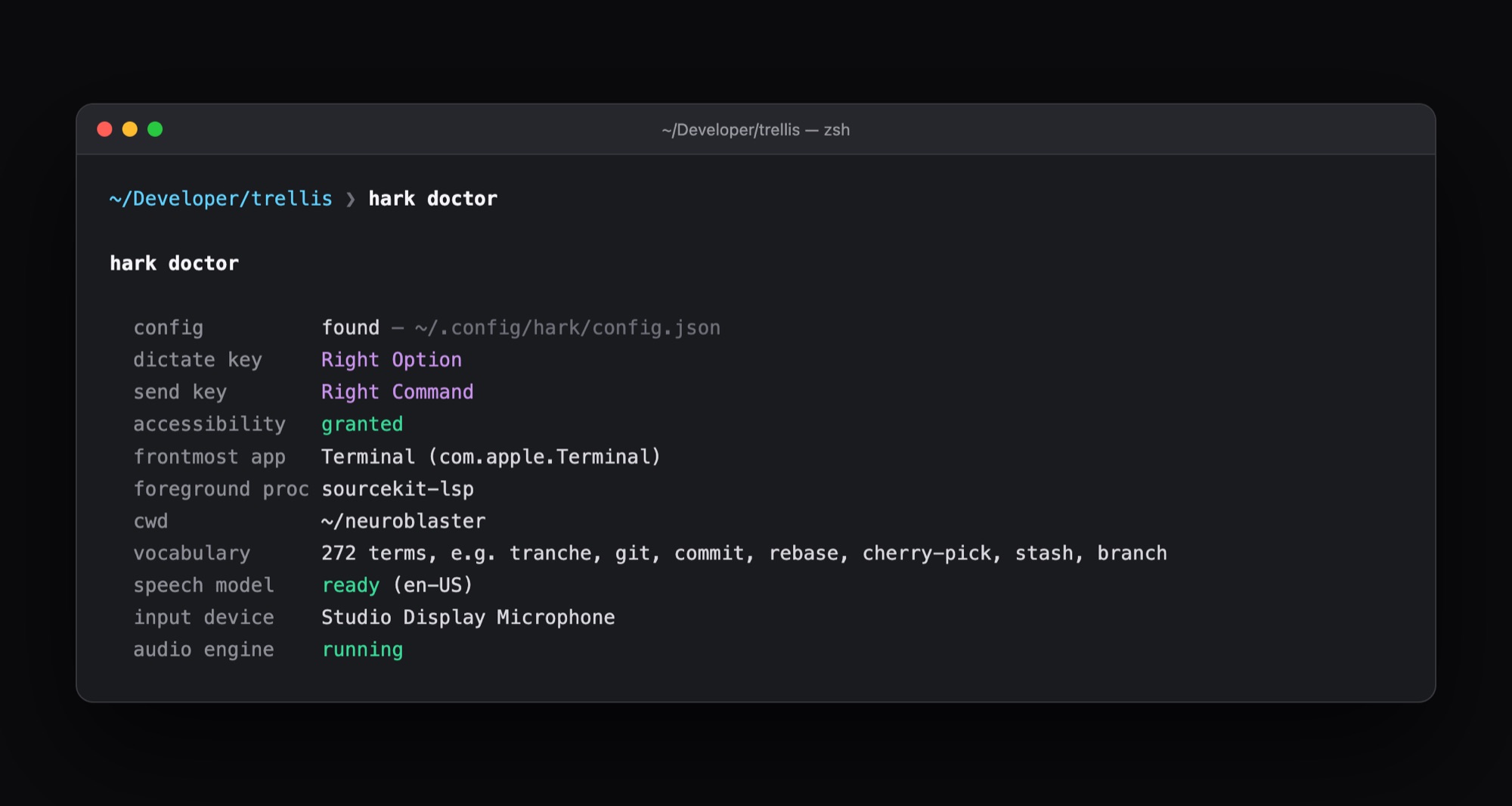
hark doctor: it knows the frontmost app and the project you are in, and biases recognition toward that project's vocabulary.
Dictation mangles the words developers actually say.
“git rebase onto tensorgarden” comes out as “get rebase onto tensor garden.” Hark knows the project you are in, and fixes it.
How it works
4 steps. That's it.
Hold
Hold Right Option and speak. Right Command also presses Return.
Listen
Hark checks which terminal and folder you are in, and gathers that project's words: files, branches, dependencies.
Repair
When you let go, it fixes misheard technical terms by how they sound.
Land
The text appears at your cursor, and your clipboard is put back.
What makes it different
Built the hard way.
On purpose.
Nothing leaves the Mac.
Apple's on-device speech models do the recognition. No network, no account, no audio stored anywhere.
Project-aware.
It reads the focused project's vocabulary and repairs misheard terms by sound. “Rebase” stays rebase.
Real words stay real.
Only words no dictionary knows are repaired. A real word is never rewritten.
Homophones, in context.
“New tap” becomes tab. “Tap the next button” is left alone.
Speaks terminal.
“Slash clear” becomes /clear, filler words disappear, and you can teach it new words in one command.
Hold a key. Talk. The words land at your cursor.
Who it's for
For developers on Apple Silicon Macs who live in the terminal.
- Swift + Objective-C
- Apple on-device speech
- macOS 26+ on Apple Silicon
Hark.
Hold a key. Talk. Done.
Next up
Latchkey →